Built around your requirements

Custom kiosk solutions, built around you.

Multicloud4U configures every kiosk around your preferred display size, operating platform, computing hardware, peripherals and application — from compact information kiosks to large-format digital displays.

18.5"–90"Display Sizes
Android / WindowsFlexible Platforms
Optional3" Thermal Printer
6-StepConfiguration Process
Philips / SamsungDisplay Brands
Why Go Custom

Kiosks configured around your requirements

A standard kiosk configuration may not always fit the application, installation environment or user experience you have in mind. A customized kiosk allows the hardware and configuration to be selected around the intended use.

Multicloud4U can work with different display sizes, Android or Windows platforms, computing configurations and optional peripherals to create a commercial kiosk solutions aligned with the project's requirements.

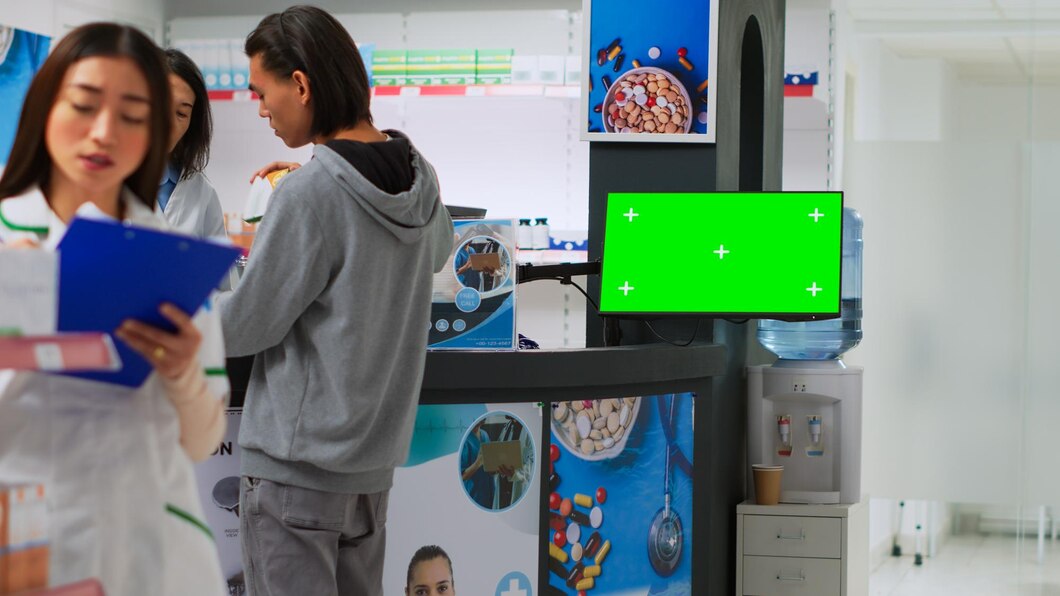
Custom kiosk in a real business environment

Application Requirements

Configure the kiosk around the software, interface and workflow it needs to support.

Display Requirements

Choose an appropriate commercial display size based on the environment and intended user experience.

Computing Requirements

Select an Android or Windows configuration according to the application's requirements.

Peripheral Requirements

Add supported peripherals such as an optional 3-inch thermal printer where required.

Configuration Options

Customize your kiosk configuration

Customization can be considered across different aspects of the kiosk depending on the project requirements. The final configuration is determined by the intended application, hardware compatibility and deployment environment.

Choose the Right Display

Select from compact, standard, large and extra-large commercial display options ranging from 18.5" to 90".

18.5"21.5"24"32"43"55"65"75"85"90"

Android or Windows

Choose an Android or Windows-based configuration according to your application and software requirements.

Select the Hardware Configuration

Choose a computing configuration based on the performance and storage requirements of the intended application — Android or Intel Core i3/i5 Windows setups.

Add Thermal Printing

Add an optional 3-inch thermal printer where the application requires tickets, tokens, receipts, visitor slips or other short-format printed output.

Built Around Your Application

The kiosk configuration can be selected around the intended software, digital interface, information display or business workflow.

Designed for the Environment

Display size, computing configuration and supported peripherals can be considered according to the installation environment and deployment requirements.

Display Options

Commercial display options for custom kiosks

The display is one of the most important parts of a kiosk because size and visibility directly influence how users interact with the content. Multicloud4U offers commercial display kiosk solutions across a wide range of sizes, custom displays subject to project requirements and availability.

Custom kiosk commercial display size options
Compact to extra-large commercial displays
18.5" – 24"
Compact

Suitable for reception areas, counters and compact information applications.

Reception • Counters • Compact Info
32" – 43"
Standard

A versatile range for retail, digital signage, information display and interactive applications.

Retail • Information • Signage
55" – 65"
Large

Suitable for enterprise environments, public spaces and applications requiring greater visibility.

Enterprise • Public Spaces
75" – 90"
Extra-Large

Suitable for large venues, high-visibility installations and large-format digital experiences.

Large Venues • Experiences
Custom Android kiosk solution
Android Configuration

Custom Android kiosk configurations

Android-based custom kiosks can be configured with different RAM and storage combinations depending on the application and software requirements — from 2 GB/16 GB up to 8 GB/64 GB.

Explore Android Kiosk Solutions
Custom Windows kiosk solution
Windows Configuration

Custom Windows kiosk configurations

Windows-based custom kiosks are available for applications that require compatibility with Windows software, browser-based interfaces or business applications — Intel Core i3 or i5, 6th–8th gen.

Explore Windows Kiosk Solutions
Use Cases

Custom kiosk solutions for different applications

Custom kiosk configurations can be designed around different digital experiences and business requirements. The final functionality depends on the selected hardware, software and application.

Information Display

Digital information through a dedicated kiosk interface.

Digital Signage

Promotional content, announcements, product info and video.

Interactive Information

Browse, search and interact through a compatible application.

Product Information

Catalogues, specifications and offers in retail environments.

Visitor Information

Reception information, directories and instructions.

Digital Directories

Help users find offices, departments, services and rooms.

Event Information

Schedules, venue information and time-sensitive content.

Printed Output

Optional thermal printing for tickets, tokens or receipts.

Industries

Custom kiosk solutions across industries

Different environments have different kiosk requirements. A customized configuration allows the display, computing platform and supported peripherals to be considered around the intended application.

Retail

Product information, digital signage and promotional content.

Corporate

Visitor information, office directories and announcements.

Healthcare

Information displays, directories and wayfinding.

Hospitality

Guest information, directories and service information.

Education

Campus information, directories and announcements.

Government & Public

Public information, directories and digital services.

Transportation

Passenger information, directions and schedules.

Banking & Finance

Selected customer-facing digital interfaces.

Optional Peripheral

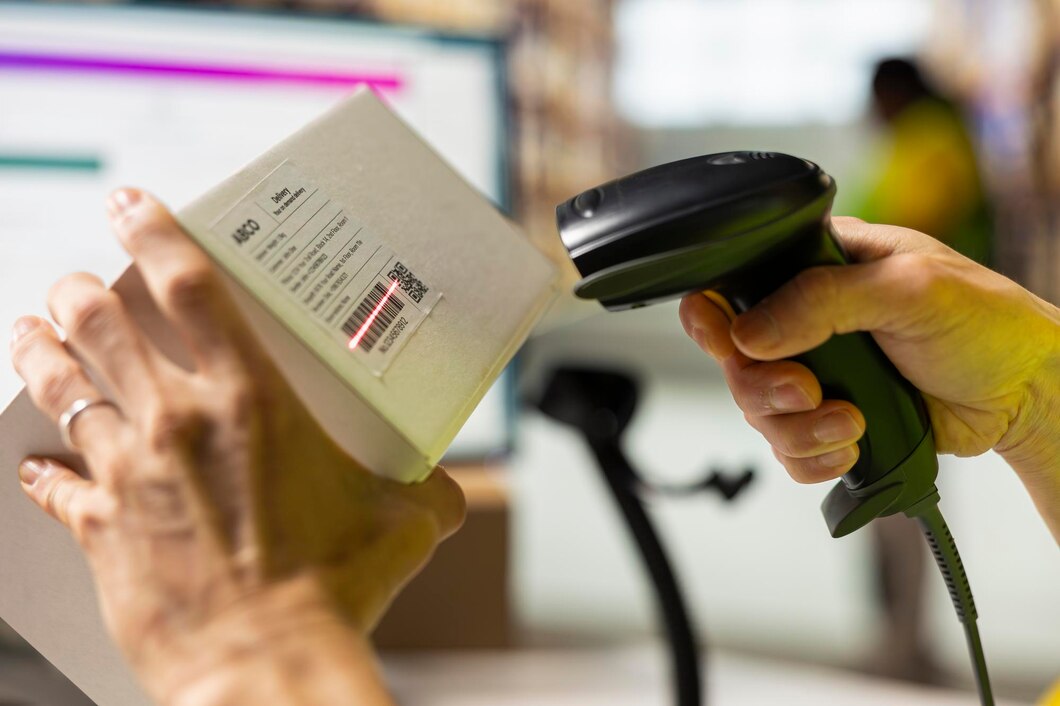
Add an optional 3-inch thermal printer

If your kiosk workflow requires physical output, an optional 3-inch thermal printer can be incorporated into the configuration, subject to hardware and software compatibility.

Tickets
Tokens
Receipts
Visitor Slips
Order Confirmations
Queue Management
Discuss a Custom Printer Configuration
How It Works

How our custom kiosk configuration process works

A simple, requirement-based process to get from your first conversation to a finalized kiosk configuration.

01

Share Your Requirements

Tell us about your application, installation environment, preferred display size and required functionality.

02

Define the Application

Identify the software, digital interface or business workflow the kiosk needs to support.

03

Select the Platform

Choose between Android and Windows based on application and software compatibility.

04

Select the Hardware

Choose the appropriate Android or Windows computing configuration based on requirements.

05

Add Required Peripherals

Include an optional thermal printer or other supported components where required.

06

Finalize the Configuration

Review the proposed configuration and finalize hardware, software and deployment requirements.

Multicloud4U Advantage

Why choose Multicloud4U for custom kiosk solutions?

Multicloud4U provides flexible kiosk configurations for businesses that need a solution aligned with their application, display and deployment requirements.

Multiple Display Sizes

From 18.5 inches to 90 inches.

Android & Windows Platforms

Select an operating platform per your application.

Flexible Hardware

Multiple Android configs or Intel Core i3/i5 Windows.

Commercial Display Brands

Philips and Samsung, subject to availability.

Optional Thermal Printing

Add a 3-inch thermal printer where required.

Application-Focused

Built around the software and workflow it needs to support.

Requirement-Based Approach

Select components according to project requirements.

Make the Right Choice

Standard or custom kiosk which should you choose?

A standard configuration can be suitable when your application fits an existing hardware combination. A custom kiosk approach can be considered when the display, computing configuration, peripherals or application requirements need to be selected around a specific deployment.

RequirementStandard ConfigurationCustom Configuration
Predefined hardware
Multiple display sizes
Android platform
Windows platform
Hardware configuration selection
Optional thermal printerAvailable where supportedAvailable where supported
Application-specific configurationLimited
Project-specific requirementsLimited

Have a Specific Kiosk Requirement?

Talk to Our Team
Before You Ask

Frequently asked questions about custom kiosk solutions

Still have a question? Talk to our team →

A custom kiosk solution is a kiosk configuration selected around specific application, display, computing, peripheral and deployment requirements rather than relying on a single standard configuration.
Depending on the project, display size, operating platform, computing configuration, supported peripherals and application requirements can be considered during configuration.
Multicloud4U offers commercial display options ranging from 18.5 inches to 90 inches, including 21.5, 24, 32, 43, 55, 65, 75 and 85-inch options.
Yes. Android and Windows configurations are available, with the choice depending on the application's software and hardware requirements.
Available Android configurations include 2 GB/16 GB, 4 GB/32 GB, 8 GB/32 GB and 8 GB/64 GB RAM/storage combinations.
Available Windows configurations include Intel Core i3 and Intel Core i5 processors from the 6th–8th generation range, with 8 GB RAM and 256 GB storage.
An optional 3-inch thermal printer can be considered for applications requiring tickets, tokens, receipts, visitor slips or other printed output.
Yes. Compatible digital signage software can be deployed where the selected hardware and software support the required application.
Yes, where the required application and hardware support user interaction. Interactive functionality depends on the selected configuration.
Commercial display configurations can use Philips and Samsung displays, subject to project requirements and availability.
Share your preferred display size, application requirements, operating platform, computing requirements and any required peripherals with the Multicloud4U team to discuss a suitable configuration.
Let's Talk

Have a custom kiosk requirement?

Tell us what you need your kiosk to do, where it will be deployed and what hardware or software requirements you have. Our team can help you determine a suitable configuration around your project requirements.

Contact Us