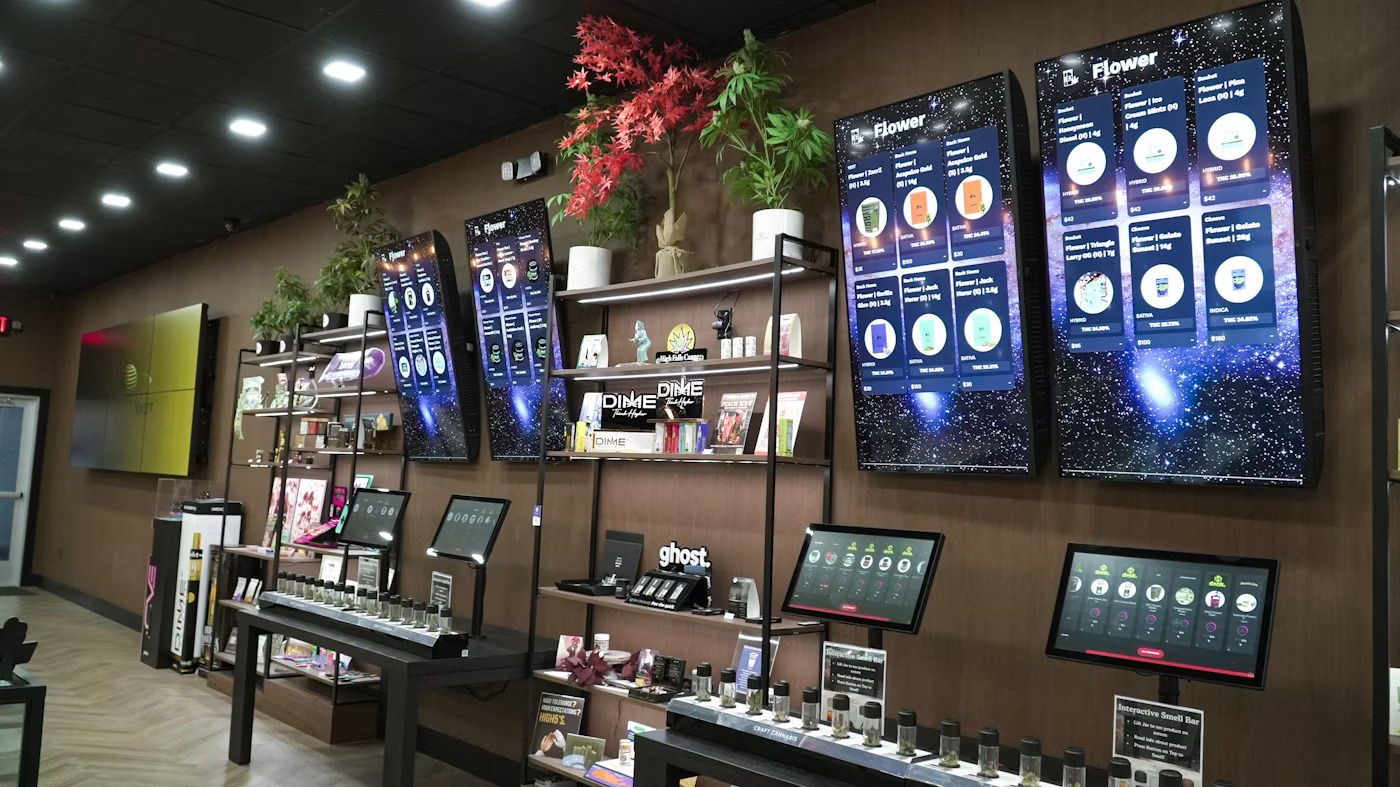
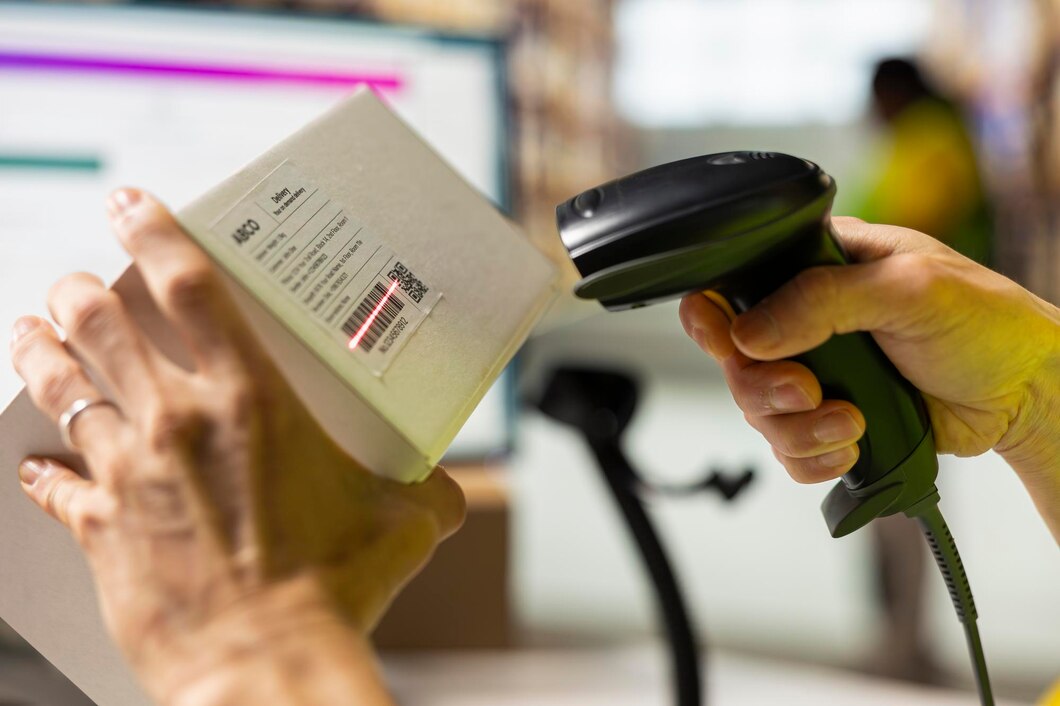
Create flexible digital experiences with Android kiosk solutions from Multicloud4U. Designed for information display, digital signage, interactive applications and customer-facing digital experiences, Android kiosks can be configured with commercial displays ranging from 18.5 inches to 90 inches. Choose from multiple Android hardware configurations and add optional peripherals such as a 3-inch thermal printer according to your application requirements.
Android kiosks provide businesses with a dedicated platform for displaying digital content and delivering interactive experiences in physical environments. They can be configured for applications ranging from information displays and digital signage to interactive content and customer-facing workflows.
Multicloud4U offers Android kiosk configurations with multiple RAM and storage options, combined with commercial display sizes from 18.5 inches to 90 inches. This allows businesses to select a configuration based on their application, display requirements and deployment environment.
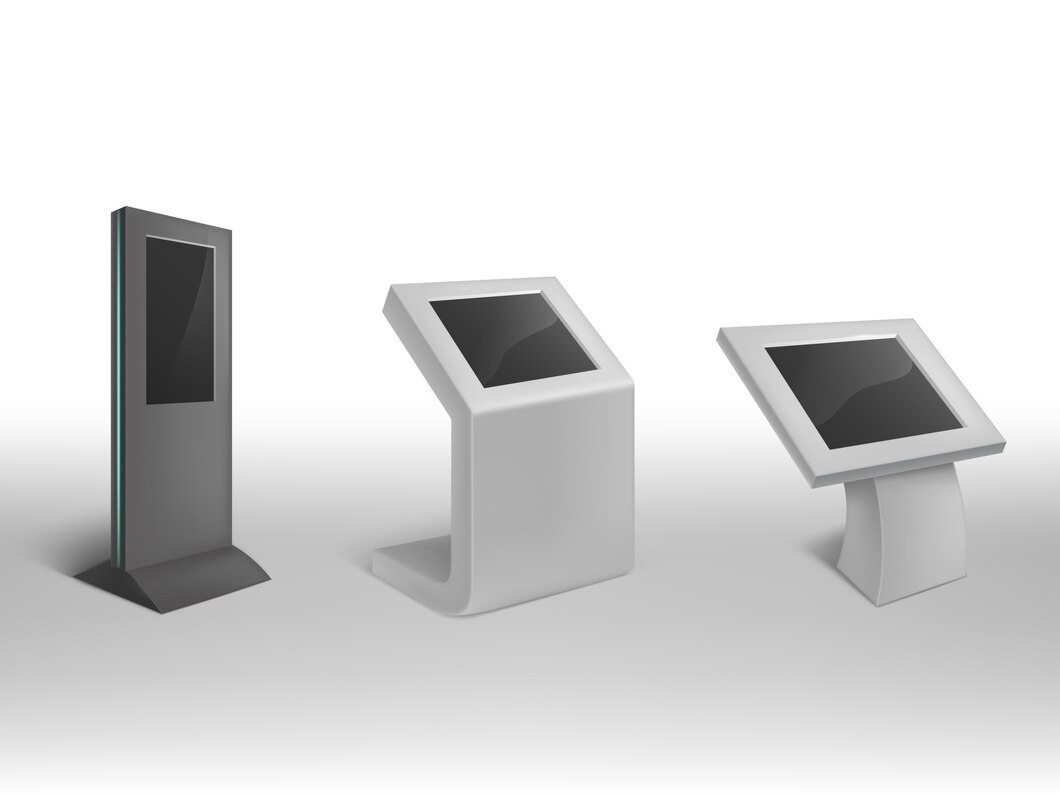
Android kiosk solutions can support different digital experiences depending on the application, software and hardware configuration. They can be deployed in customer-facing, employee-facing and public information environments.
Provide visitors and customers with instant access to information, directories, announcements, service details and other digital content.
Display promotional content, videos, announcements, product information and other digital media through a dedicated commercial display.
Allow users to browse, search and interact with digital information through an Android-based interface.
Present product catalogues, specifications, offers and other product-related information through an interactive digital display.
Provide digital directions, location information and directories for environments such as offices, hospitals, hotels, campuses and public facilities.
Android kiosks can provide a dedicated interface for selected customer-facing applications where users need to access information or interact with a digital workflow.
Choose an Android hardware configuration based on your application requirements, performance needs and storage requirements. Multicloud4U offers multiple Android box options for different kiosk and digital display deployments.
Suitable for basic information display and lightweight digital applications, subject to software requirements.
A balanced configuration for standard digital signage, information display and compatible interactive applications.
A higher-memory configuration for applications with greater performance requirements.
A higher-memory and higher-storage configuration for applications requiring additional local storage.
The "suitable for" descriptions above are general guidance, not hard performance guarantees. Final configuration should depend on the actual software/application requirements.
The display size can be selected according to the installation environment, viewing distance, content type and expected user interaction. Multicloud4U Android kiosk solutions can be configured with commercial display options ranging from 18.5 inches to 90 inches, including 18.5", 21.5", 24", 32", 43", 55", 65", 75", 85" and 90".
Suitable for reception areas, counters and compact information applications.
Suitable for retail, information displays, digital signage and interactive applications.
Suitable for enterprise environments, public areas and applications requiring greater visibility.
Suitable for large venues, high-visibility environments and large-format digital experiences.
An Android kiosk combines a commercial display with an Android computing platform to create a dedicated digital experience. Multicloud4U configurations can use commercial displays from brands such as Philips and Samsung, subject to project requirements and availability. The display size and Android hardware configuration can be selected according to the intended application and deployment environment.
Android-based kiosks can be used to deliver digital signage content across retail, corporate, hospitality and public environments. Depending on the software platform and deployment requirements, displays can be used for the applications below.
Android kiosks can provide interactive digital interfaces where users need to browse information, search content or interact with a dedicated application. The actual functionality depends on the application and software deployed on the kiosk.
Help customers browse products, specifications and related information.
Provide searchable information through a dedicated interface.
Help visitors find departments, locations or services.
Deliver application-based content through an easy-to-use digital interface.
Some Android kiosk applications require physical output in addition to digital interaction. An optional 3-inch thermal printer can be included where the application requires tickets, tokens, receipts or confirmation slips.
Choosing between Android and Windows depends primarily on the software and application requirements. Android can be suitable for Android-based applications and digital display experiences, while Windows can be preferable when compatibility with Windows-based software is required.
| Feature | Android Kiosk | Windows Kiosk |
|---|---|---|
| Platform | Android | Windows |
| RAM Options | 2 GB / 4 GB / 8 GB | 8 GB |
| Storage Options | 16 GB / 32 GB / 64 GB | 256 GB |
| Processor | Android Box | Intel Core i3 / i5 |
| Display Options | 18.5"–90" | 18.5"–90" |
| Digital Signage | Suitable | Suitable |
| Interactive Applications | Application dependent | Application dependent |
| Customization | Available | Available |
| Thermal Printer | Optional | Optional |
Product information, catalogues, promotions and interactive content within retail environments.
Digital information, directories, wayfinding and selected patient-facing applications where appropriate.
Guest information, directories, service information and interactive digital experiences.
Visitor information, office directories, announcements and other business information.
Campus information, directories, announcements and digital content.
Accessible digital information and selected public-service interfaces.
Passenger information, directions, announcements and other travel-related content.
Selected customer-facing information and digital interfaces, depending on the application and security requirements.
Identify what the kiosk needs to display or what users need to accomplish.
Choose from 18.5-inch to 90-inch commercial display options based on the environment and viewing requirements.
Choose the appropriate RAM and storage configuration based on software and application requirements.
Add an optional thermal printer or other supported peripherals if required by the application.
Determine the Android application, digital signage platform or business interface that will run on the kiosk.
Finalize hardware, software and installation requirements for the intended environment.
Multicloud4U provides configurable Android kiosk options that allow businesses to select the display size and hardware configuration according to their application requirements.
Choose from compact to large-format commercial displays ranging from 18.5 to 90 inches.
Select from 2 GB to 8 GB RAM and 16 GB to 64 GB storage configurations.
Configure deployments with commercial displays from brands such as Philips and Samsung, subject to requirements and availability.
Add a 3-inch thermal printer where printed output is part of the application workflow.
Android kiosks can support information display, digital signage, interactive content and other compatible business applications.
Select hardware and display options according to the intended environment and software requirements.
| Category | Available Options |
|---|---|
| Platform | Android |
| Android Hardware | Android Box |
| RAM | 2 GB / 4 GB / 8 GB |
| Storage | 16 GB / 32 GB / 64 GB |
| Display Sizes | 18.5" / 21.5" / 24" / 32" / 43" / 55" / 65" / 75" / 85" / 90" |
| Display Brands | Philips / Samsung |
| Digital Signage | Application dependent |
| Interactive Applications | Application dependent |
| Thermal Printer | Optional 3-inch |
| Customization | Configuration dependent |
Still have a question? Talk to our team →
From compact information displays to large-format interactive experiences, Multicloud4U can help you select an Android kiosk configuration around your business requirements. Share your application, preferred display size, software requirements and any peripheral requirements to discuss the right configuration for your deployment.